🧩 Entity Levels
The Entity Levels page allows you to manage the organizational structure of company entities.
From this section, you can configure hierarchical levels and view the entities available in the system.
📋 Entity list
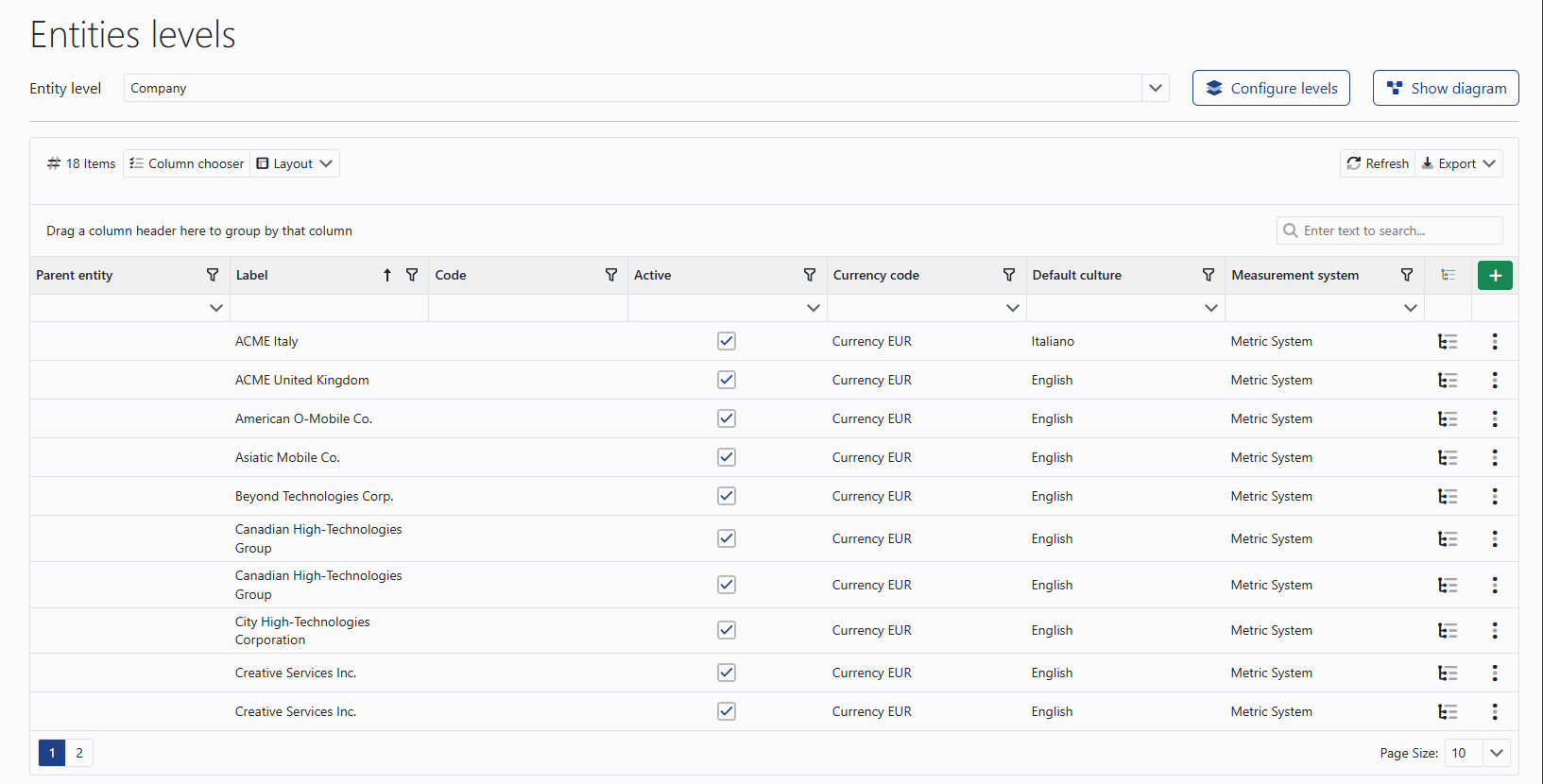
The screen displays all configured entities with the main information:
- 🏢 parent entity
- 🏷️ label
- 🔢 code
- ✅ active status
- 💱 currency
- 🌐 default language
- 📏 measurement system
⚙️ Level configuration
🧱 Configure levels
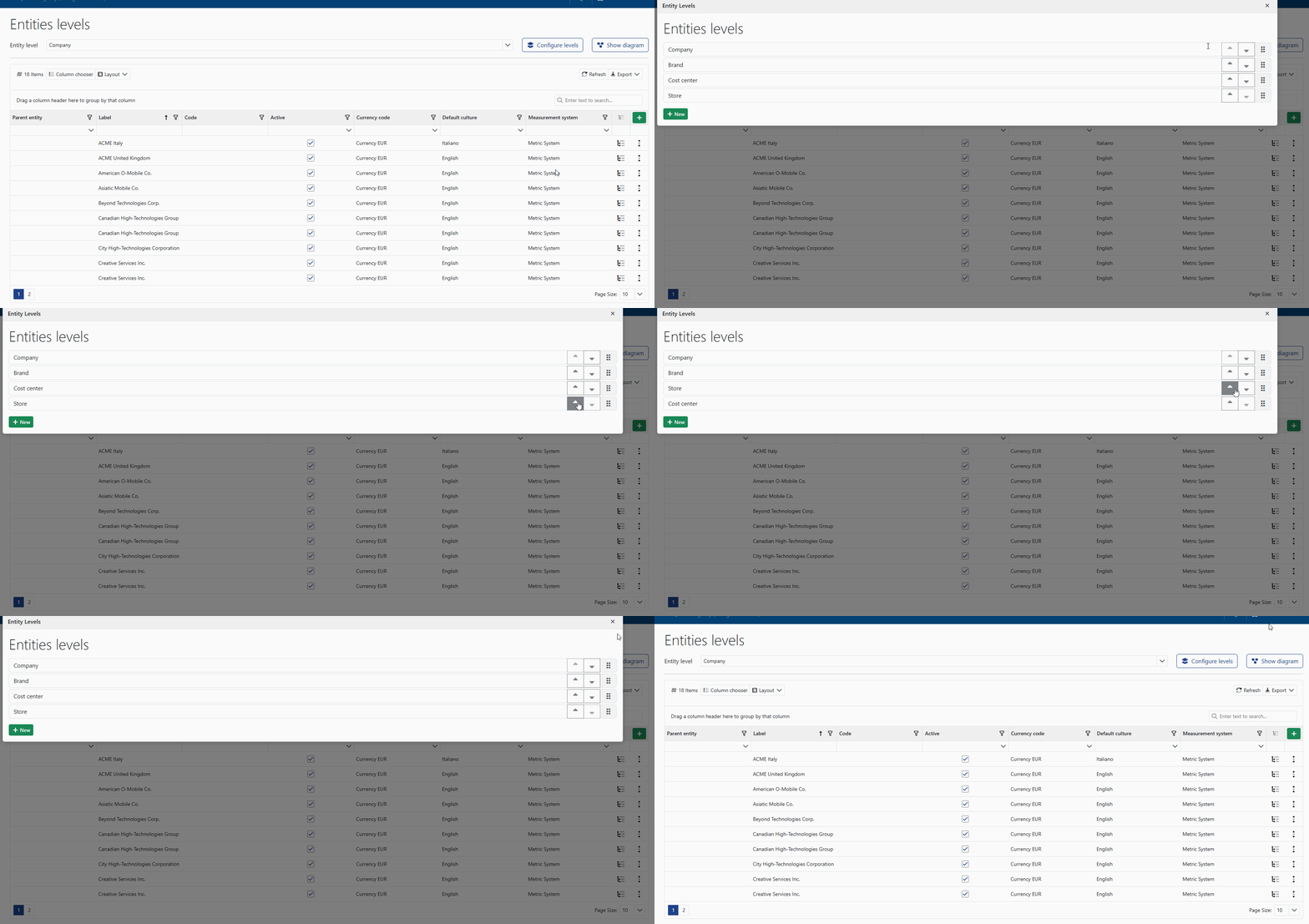
The Configure levels button allows you to define and modify the hierarchical structure of company entities.
From here, you can set the different organizational levels used within the platform (for example company, branch, or location).
🗺️ Show diagram
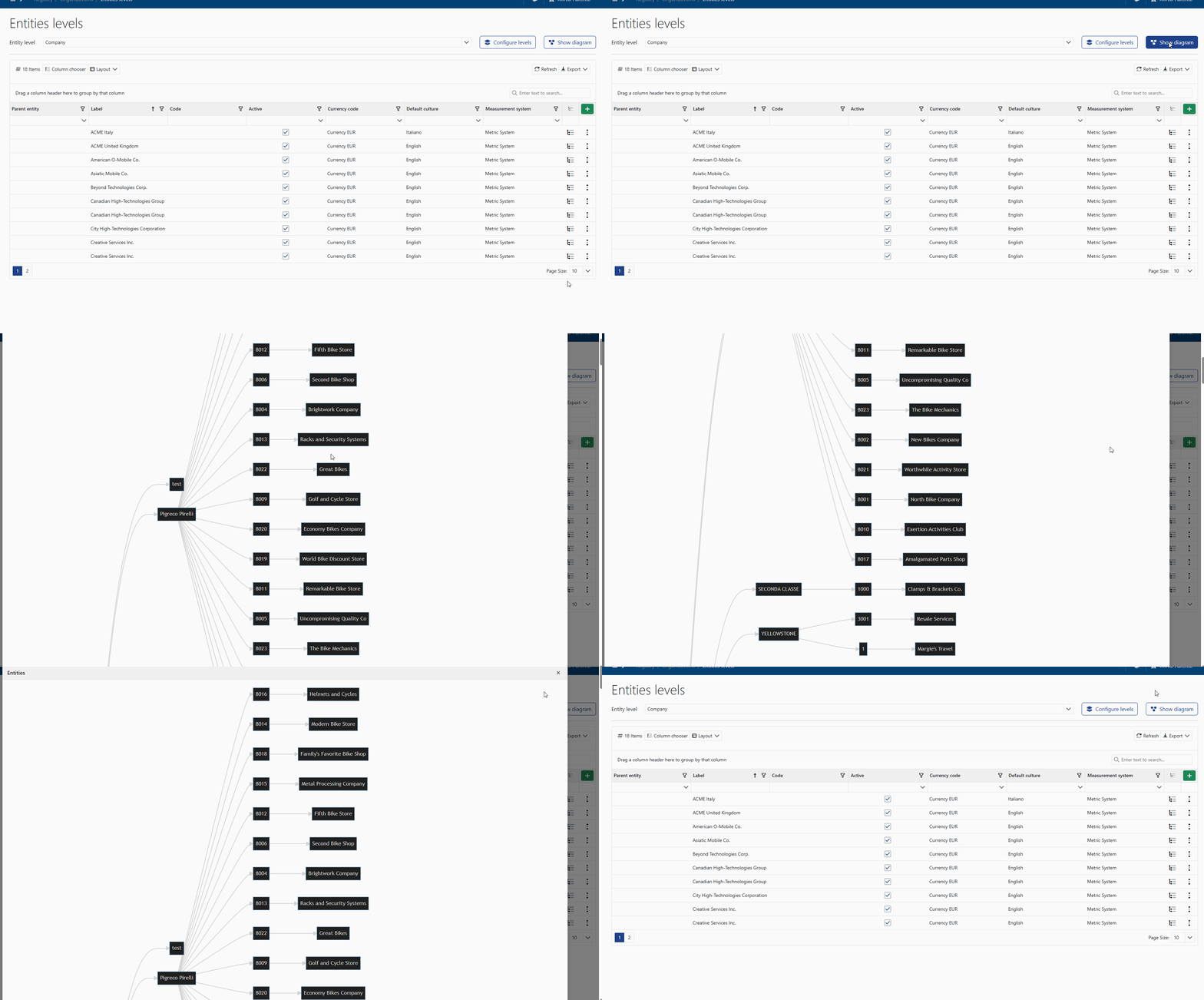
The Show diagram button allows you to visually display the structure of the configured entities, making it easier to understand the hierarchical relationships between the different levels.